How to Mount, Configure, and Calibrate PIX6, PIXHAWK, CrossRace Pro, CrossRace, CrossFlight‑CE, CrossFlight, and Mini Pix Flight Controllers in Different Orientations?
Before proceeding, understand attitude angles (Roll, Pitch, Yaw) as shown in the figure below.
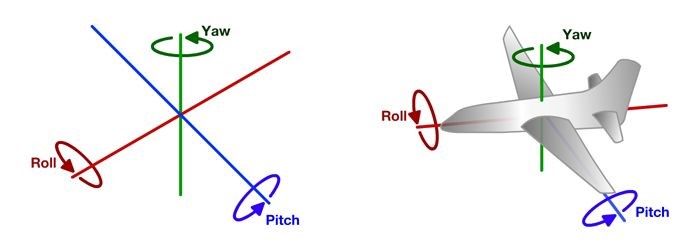
- Pitch Angle (θ): Rotation around the X-axis.
- Yaw Angle (ψ): Rotation around the Z-axis.
- Roll Angle (Φ): Rotation around the Y-axis.
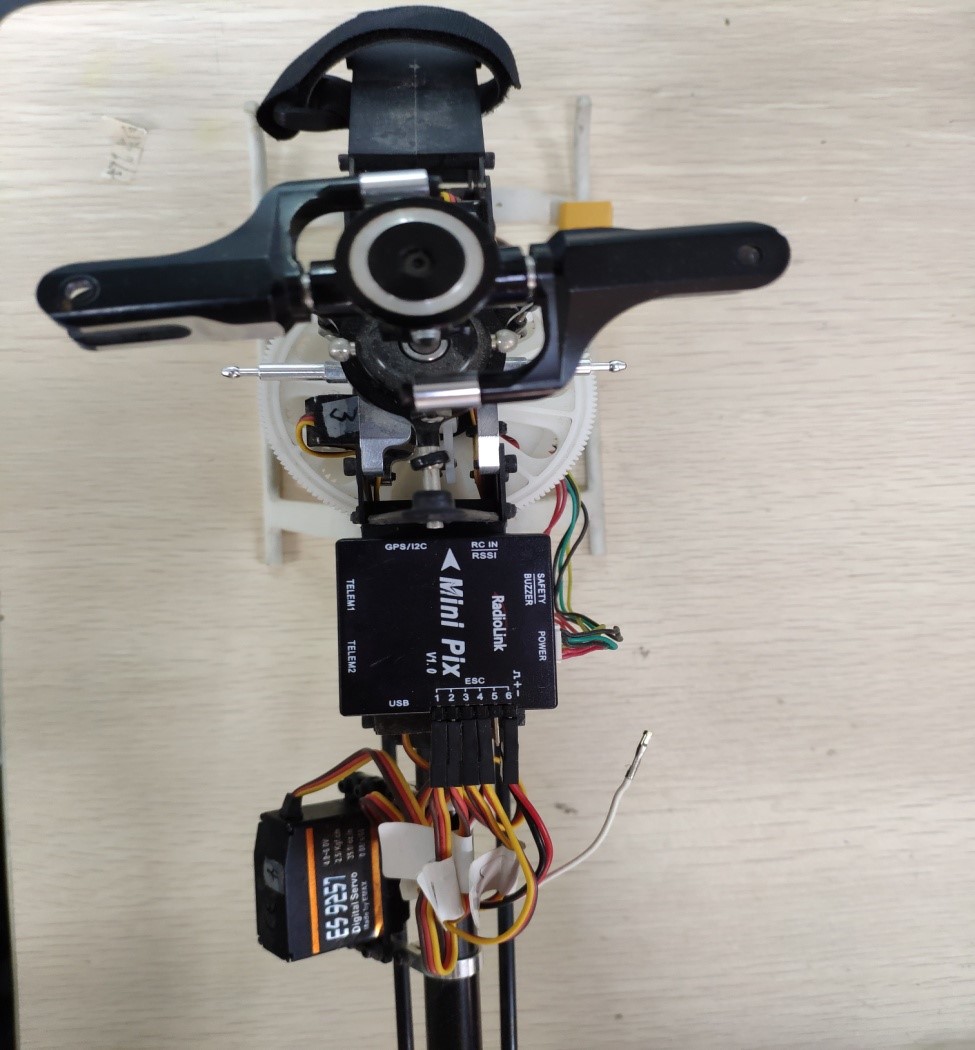
For regular installation of PIXHAWK and Mini Pix flight controllers, the default parameters are normally used. See the figure below for the standard mounting orientation.
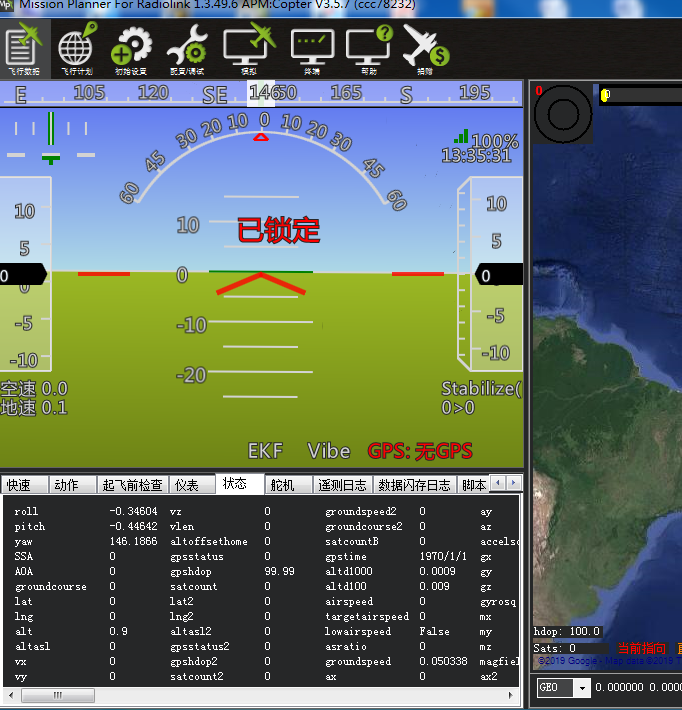
Connect to the ground station, and you will see the horizontal level and attitude display normally.
However, some aircraft, especially helicopters, do not have a flat mounting surface or cannot be installed in the standard orientation. Refer to the figure below.
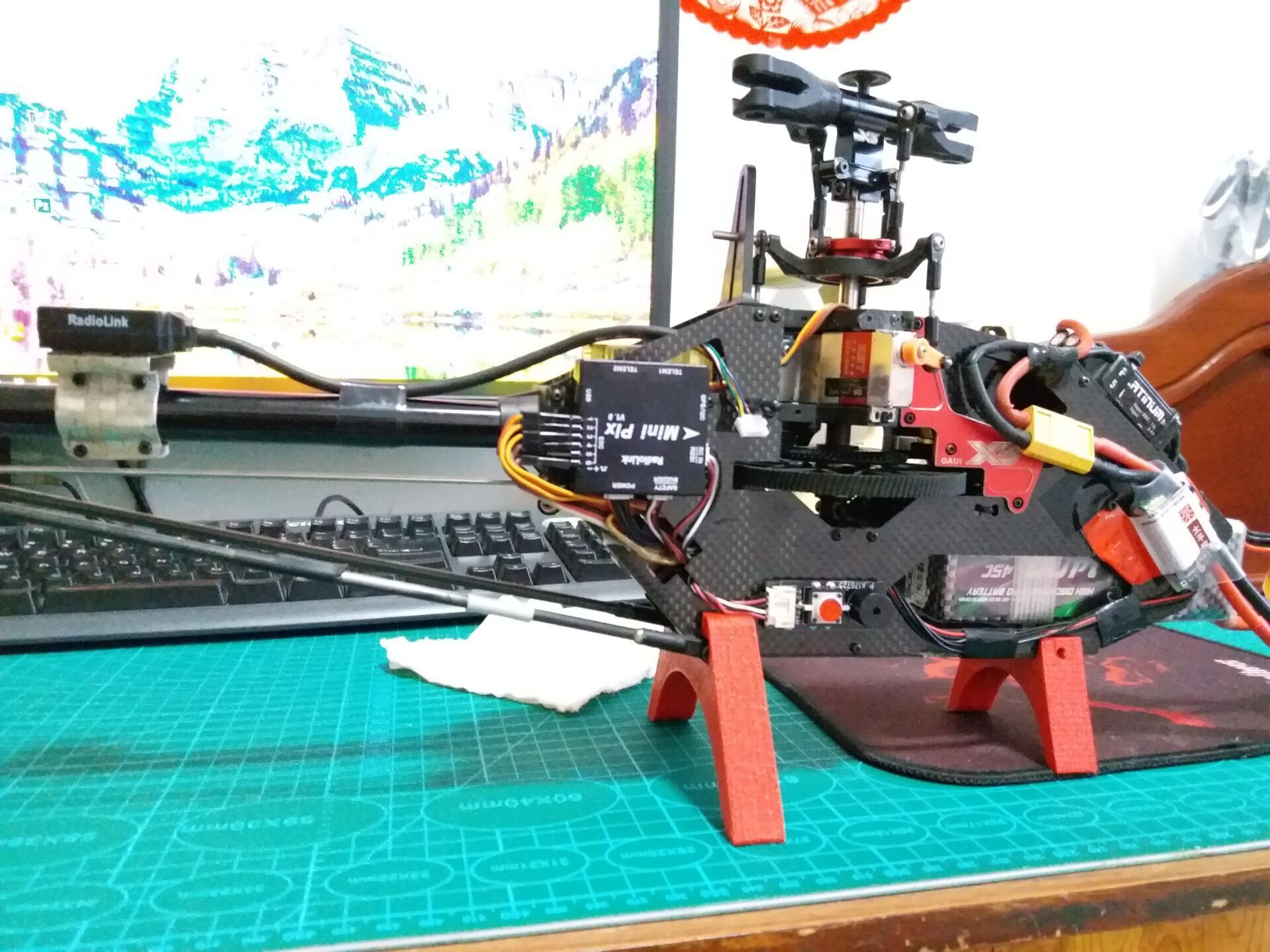
In this case, the flight controller is rotated 90 degrees counterclockwise around the Y-axis.
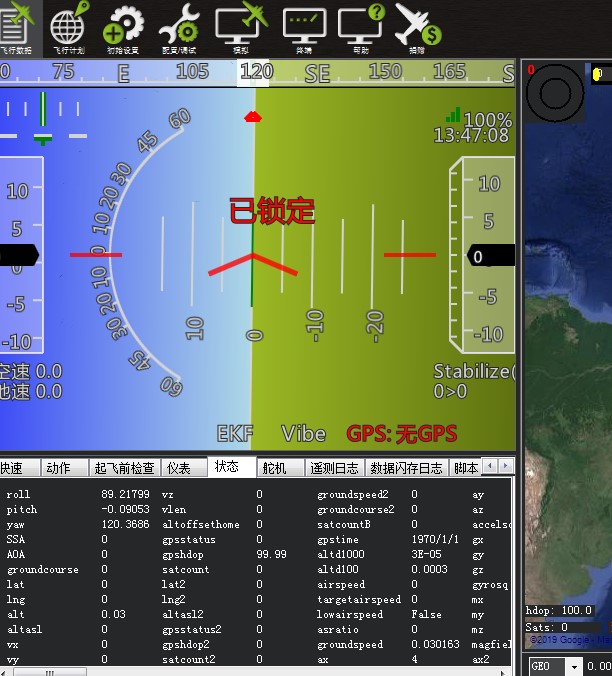
This mounting orientation will cause abnormal flight performance. You need to adjust the AHRS_ORIENTATION parameter. Navigate to Software Setup, open the Full Parameter List, then enter AHRS_ORIENTATION in the search box at the bottom right.
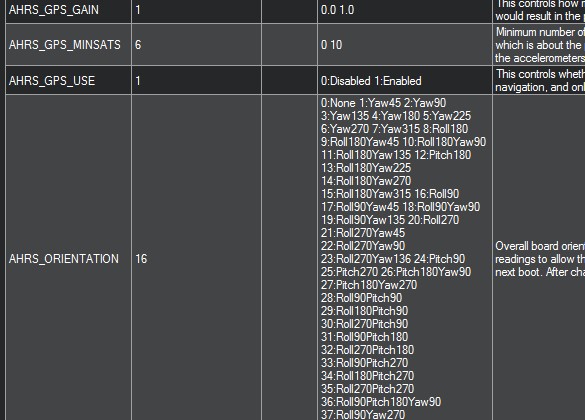
The default value is 0. Change it to 16 (Roll 90°), then save the parameters to the flight controller and confirm. After that, go to Hardware Setup, select Accelerometer Calibration and perform a new level calibration.
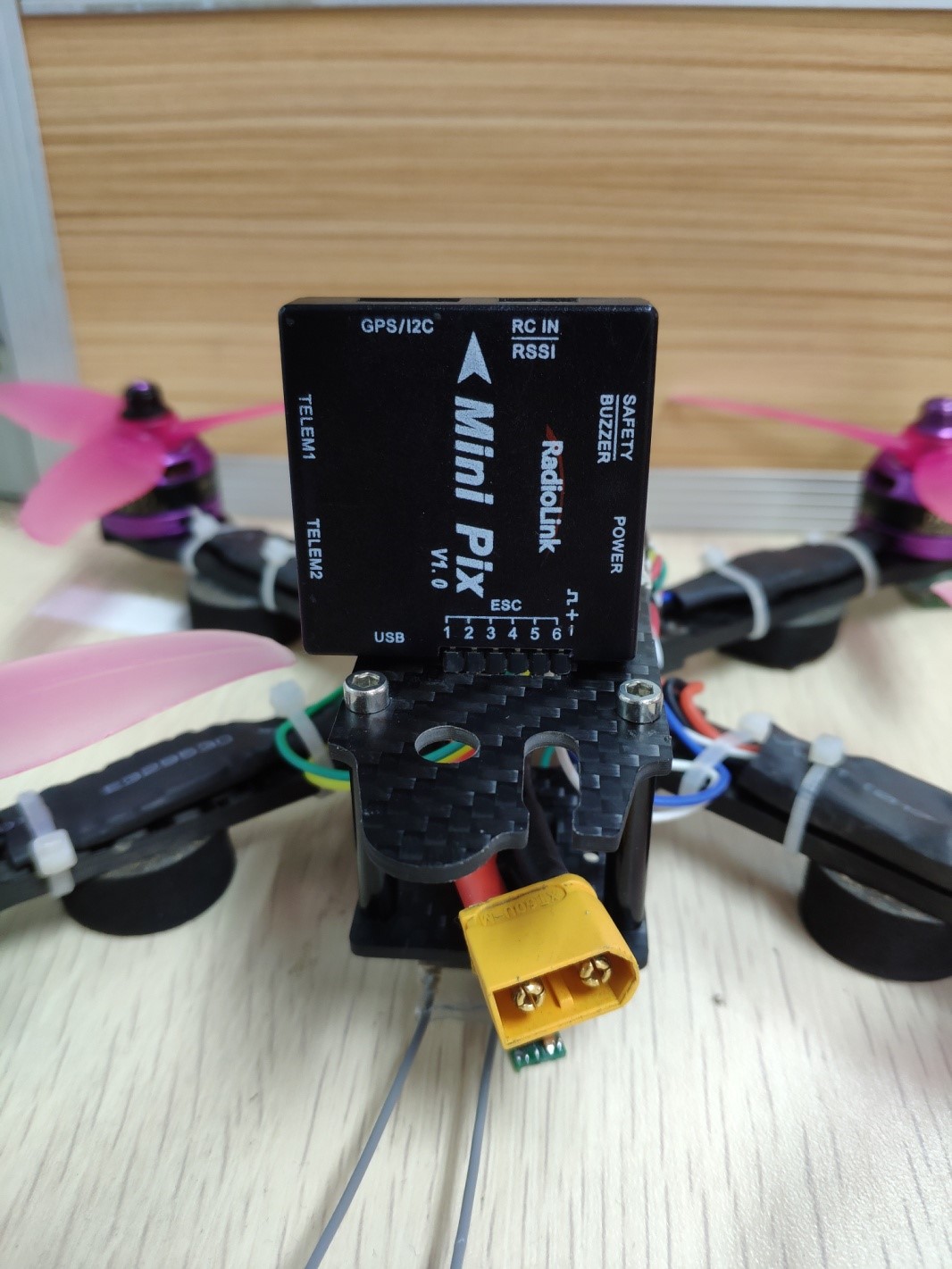
Likewise, if the flight controller is mounted with a pitch offset (rotated around the X-axis), adjust the AHRS_ORIENTATION value according to the actual pitch angle. For example, set it to Pitch 90° when rotated 90 degrees around the X-axis. See the figure below.
If the flight controller is mounted with a 90° rotation around the Z-axis, set the parameter to YAW 90. Refer to the figure below.
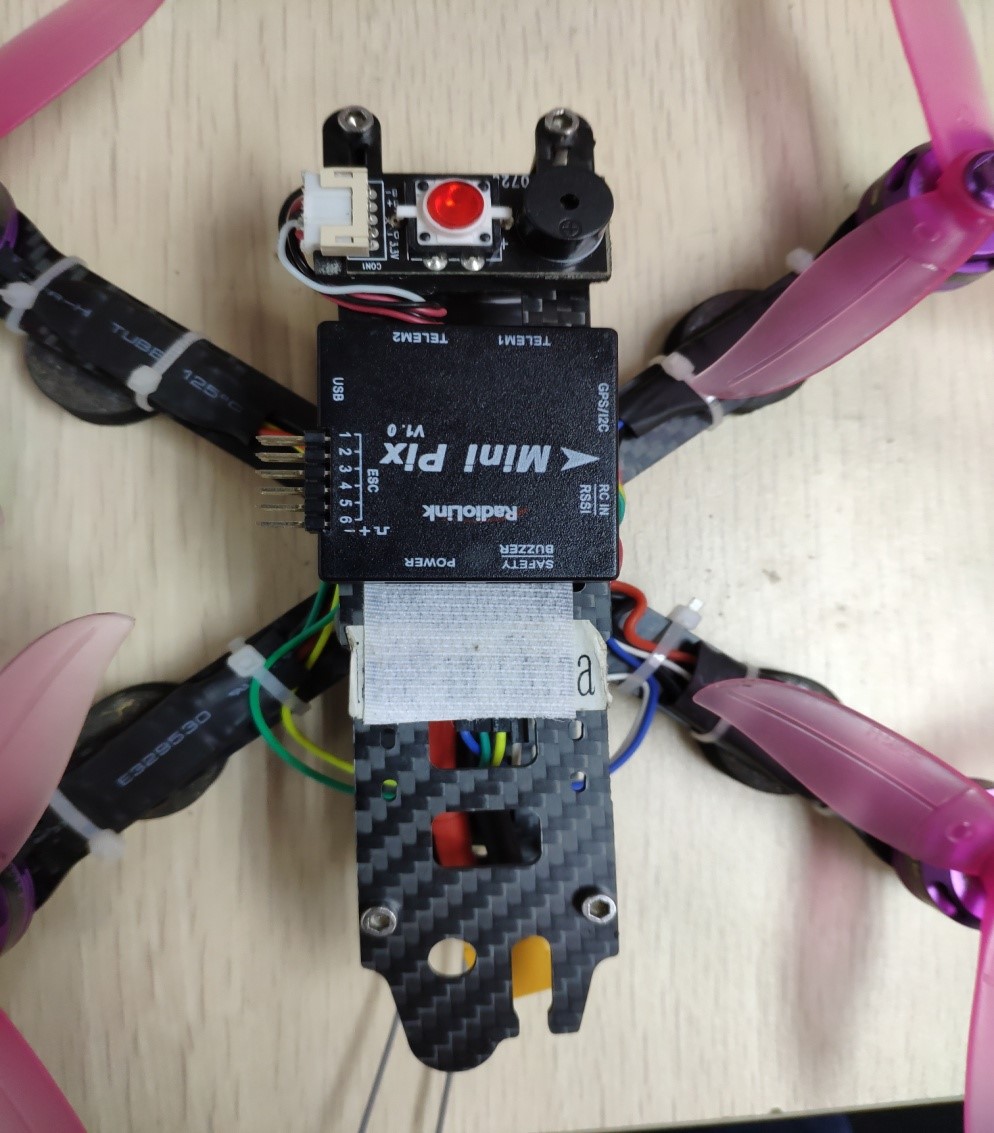
The buzzer faces the nose of the aircraft.